How do I print an invoice of my booking?
From inside your booking confirmation email
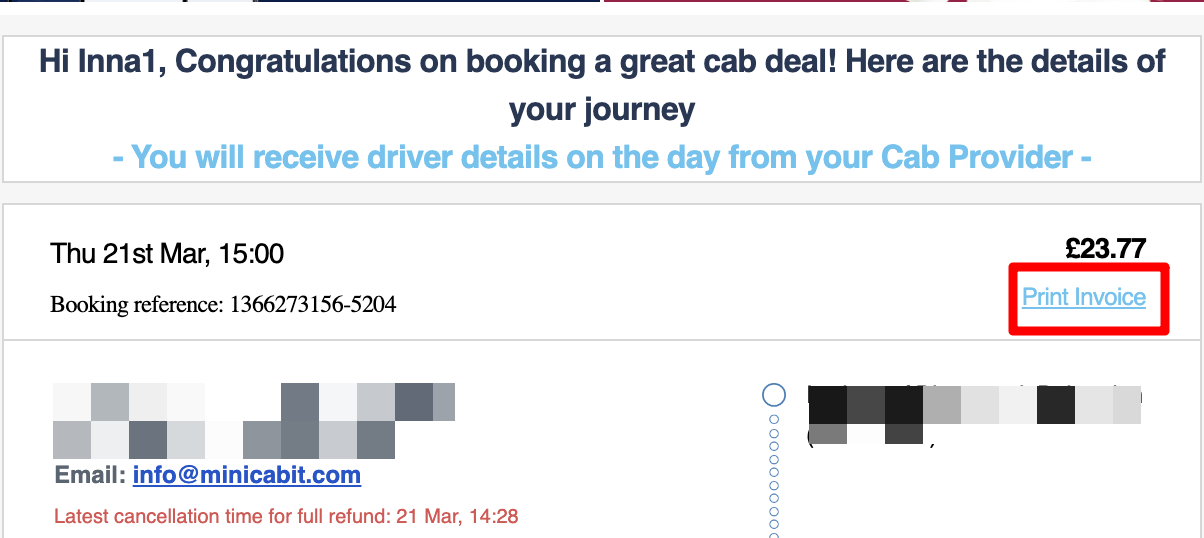
- Open your booking confirmation email and click on Print Invoice, located below the booking price.
- A PDF invoice will automatically download onto your device, for you then to save/print as needed.
Does the invoice include VAT?
- Yes it does. You can find an example of an invoice by clicking here.
Can minicabit change what appears on the invoice?
- Unfortunately, not. The invoice is generated by the information you provided at the time of booking and we're unable to make any changes to it.